Plug and Play mode
In this video we cover the simple steps to convert a digital signage screen using our Content Management System to Plug and Play work mode.

Call us today 0333 344 3588 or email info@impactdigitalsignage.co.uk
In this video we cover the simple steps to convert a digital signage screen using our Content Management System to Plug and Play work mode.
Video help guide on rotating a digital signage screen from landscape to portrait.
Wifi Setup Quick Start from Impact Digital Signage on Vimeo.
When comparing digital signage displays from different manufacturers you may come across the metric NITS and cd/m2 are both measurements of how bright a light source is. cd/m2 represents candela...
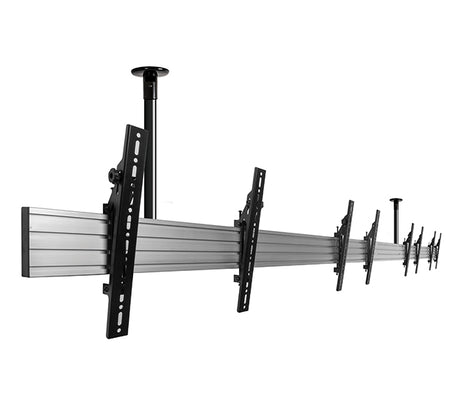
There are a huge range of digital signage ceiling mounts available on the market for you to choose from however there are few fundamental requirements to consider when picking the best ceiling mount for...
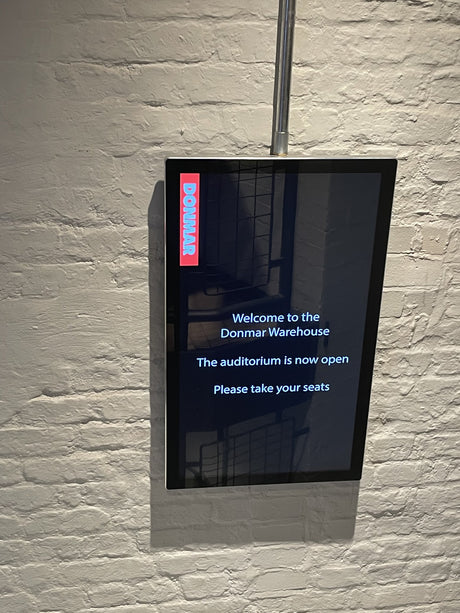
If a digital signage screen is mounted away from areas where it may be hit or bashed such as above counters, in windows displays and generally away from children, there...
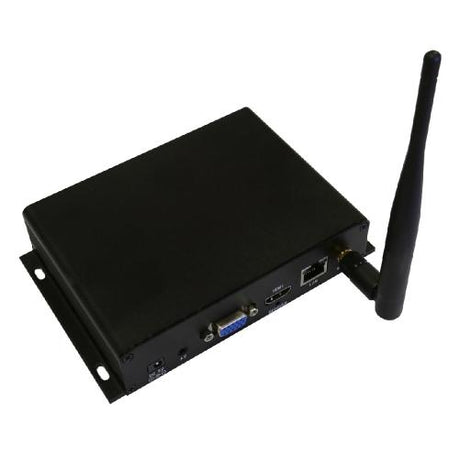
A new client recently contacted us looking to update their existing digital signage screens with a new media player solution. They had invested in a number of displays a few...
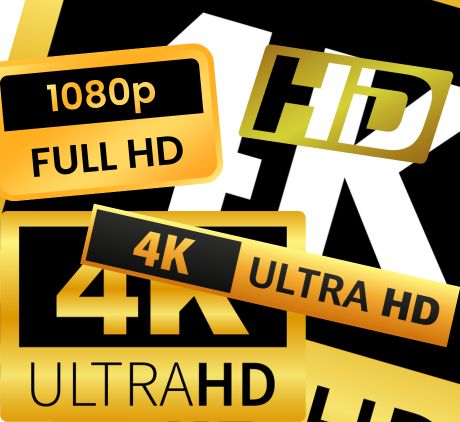
Screen resolution is simply a measurement of how many pixels your screen can display horizontally and vertically. Eg. The majority of our digital signage screens are 1920x1080 which means they...

Plug and Play screens are a simple and low cost option which is available on most product in our digital signage range. Plug and Play usage does not require any network hardware,...
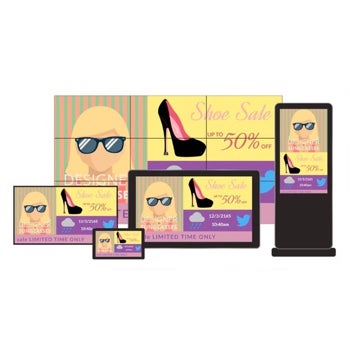
My Signage Portal is an easy to use cloud based CMS for updating and managing your digital signage network. With a vast selection of professional templates you can quickly and...